Each box is called a Module.
You can add files, links, and other items underneath a module.
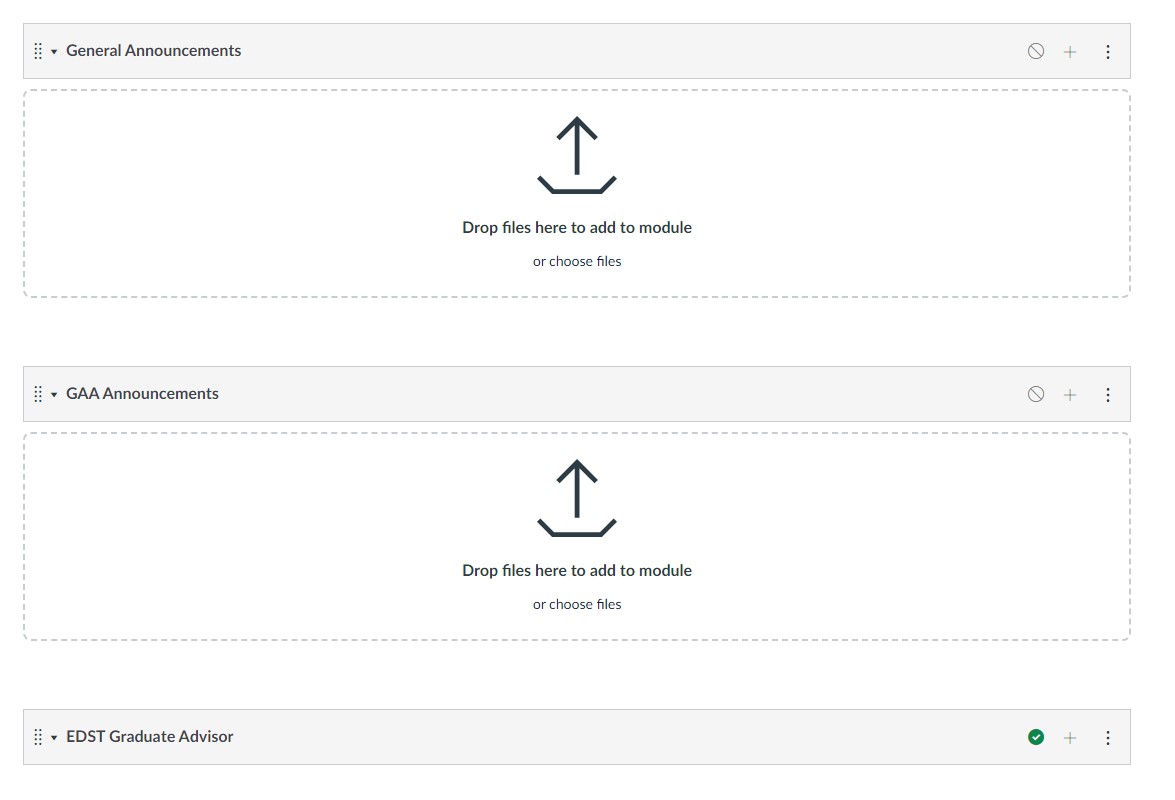
About Modules
New Module
Click the [+ Module] button
Give it a name
Click [Add Module]
Remember to publish it when ready

Green check mark means published
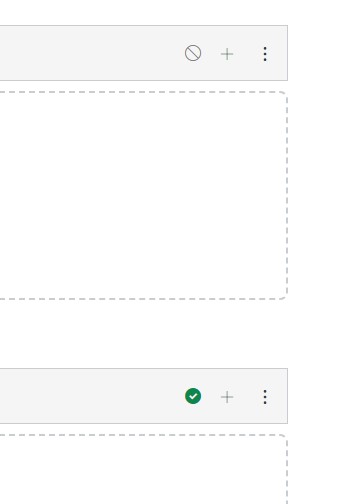
Changes
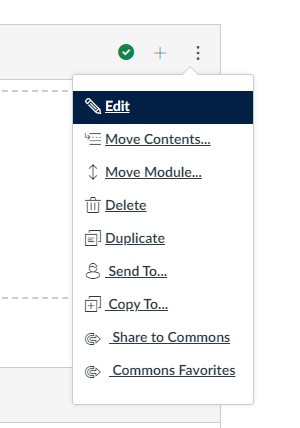
Click the 3 dots for options
To rename go to Edit
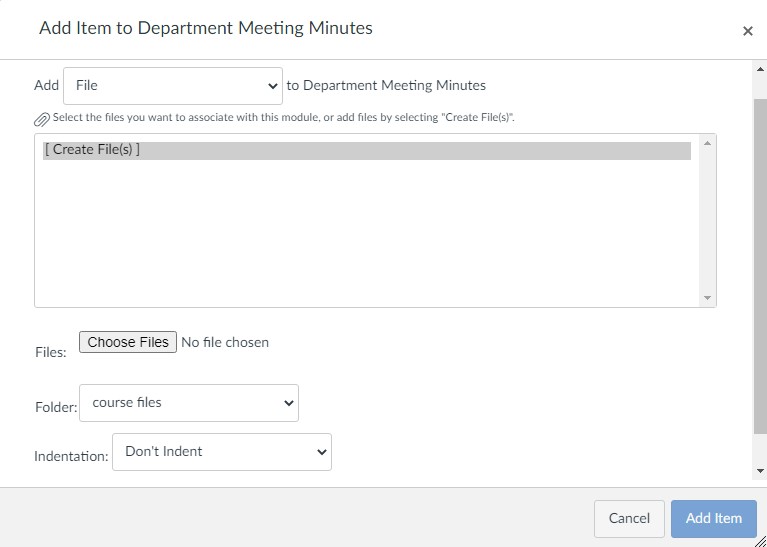
Adding items to Modules
Under a module, there are a few items you can add.
File
PDF, Word doc, image, etc.
Links
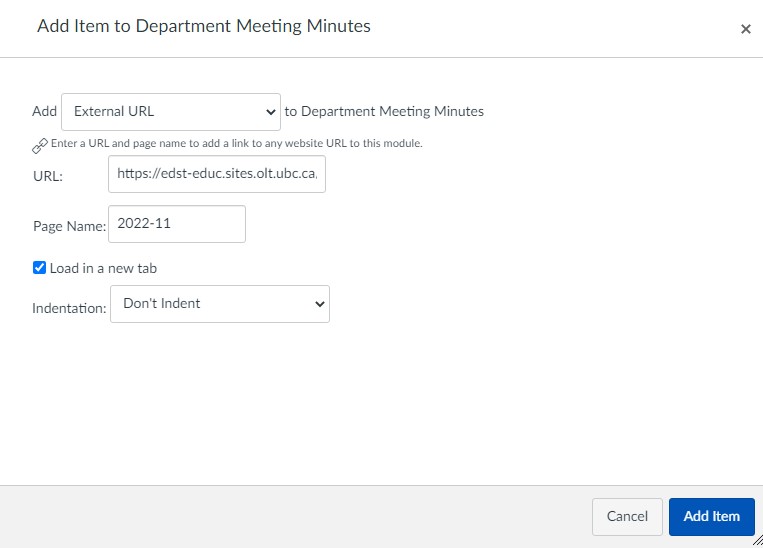
Page
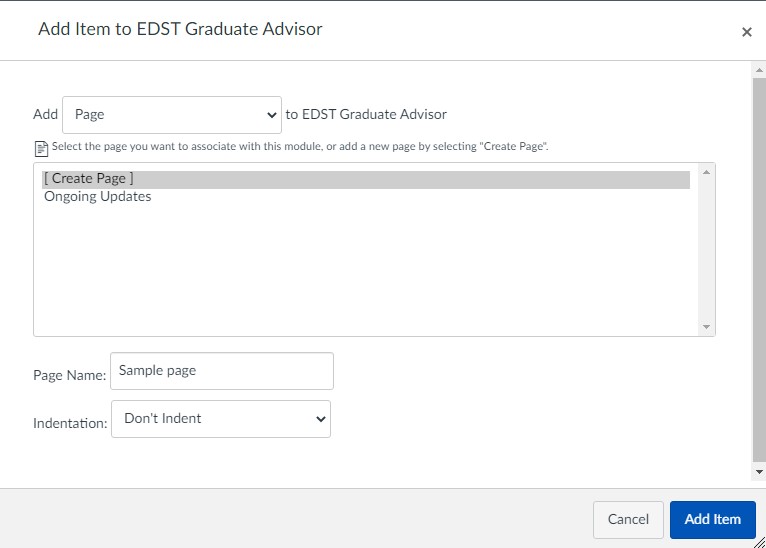
Click the page title text to edit.
You will see this screen.
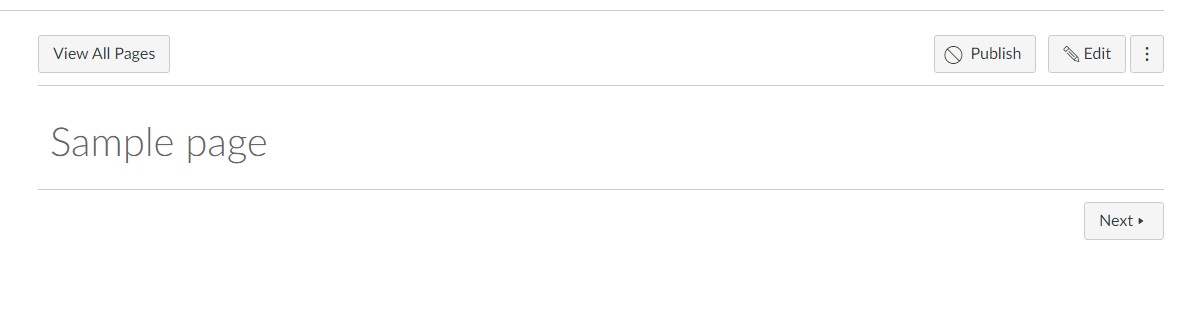
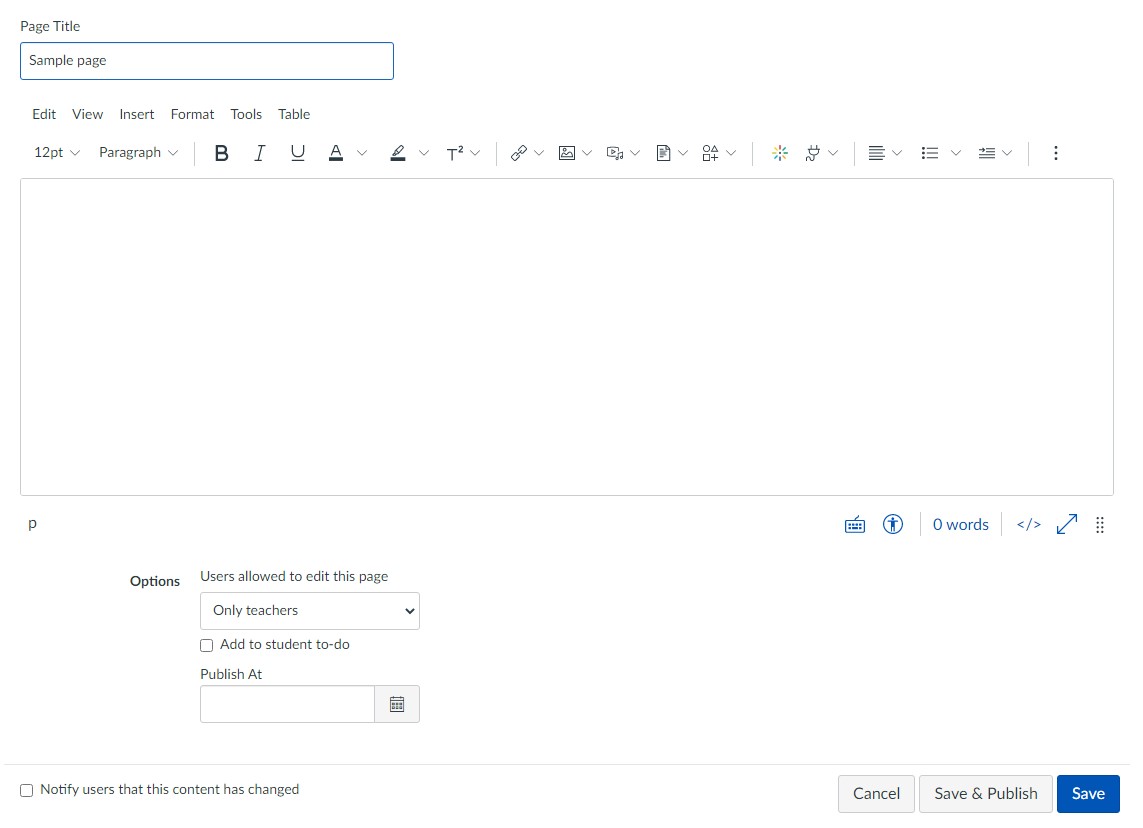
Click edit to add/edit text and images.
Note the “
This is useful if you intend to have ongoing updates and want to notify the audience without emailing them every time.
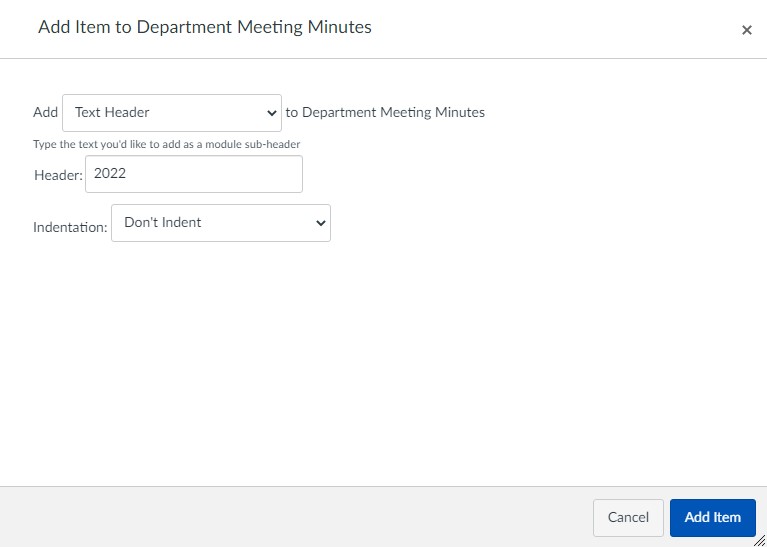
Heading
To group items
Publish
Make sure it has the green check mark. Click to toggle.